IICLE Content
Creating an IICLE landing page
Warning
IICLE content must be added using the IICLE content paragraph block and not the link paragraph block to ensure that the content access rules are enforced. Per our contract, IICLE content is limited to approved, logged in legal aid members.
IICLE relies on a proxy server on our end to pull the pages from IICLE into our website. IICLE content should be added:
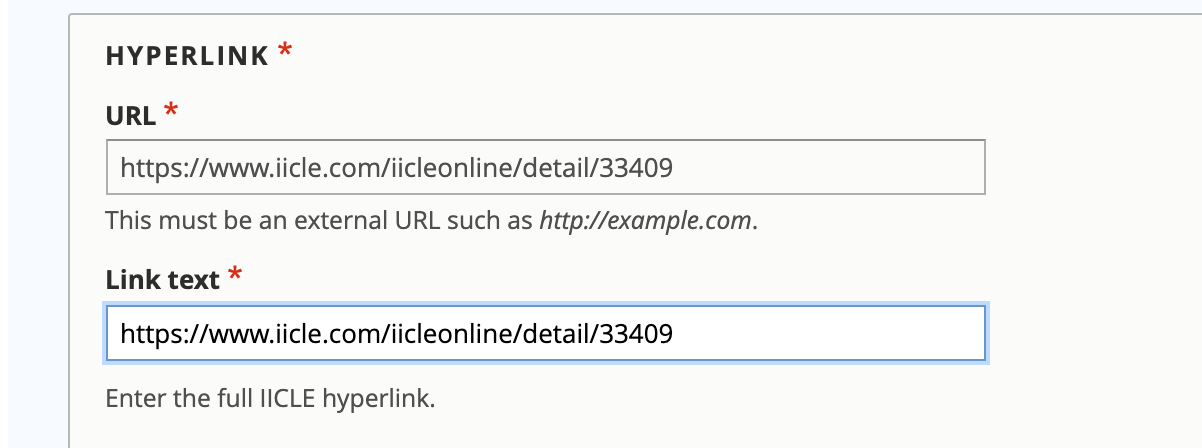
using the IICLE content paragraph block
with a link that contains no query parameters (for example ?itemID=123)
with a link that begins with https://www.iicle.com
with a link that does not use https://www.illinoislegalaid.org/?proxy
Note
IICLEs should have primary and second level categories that match their substantive topic. They should not be tagged to “Lawyer resources,” “IICLE Library” or other similar terms.
..note:: IICLE content should always be marked with an Advanced content level.
Viewing an IICLE
IICLEs have a green-yellow book icon with a gavel and an IICLE tag.
Legal aid members can access IICLEs
via the IICLE library
in their topic pages
on secondary topic pages, they are listed in the “Resources for lawyers” section.
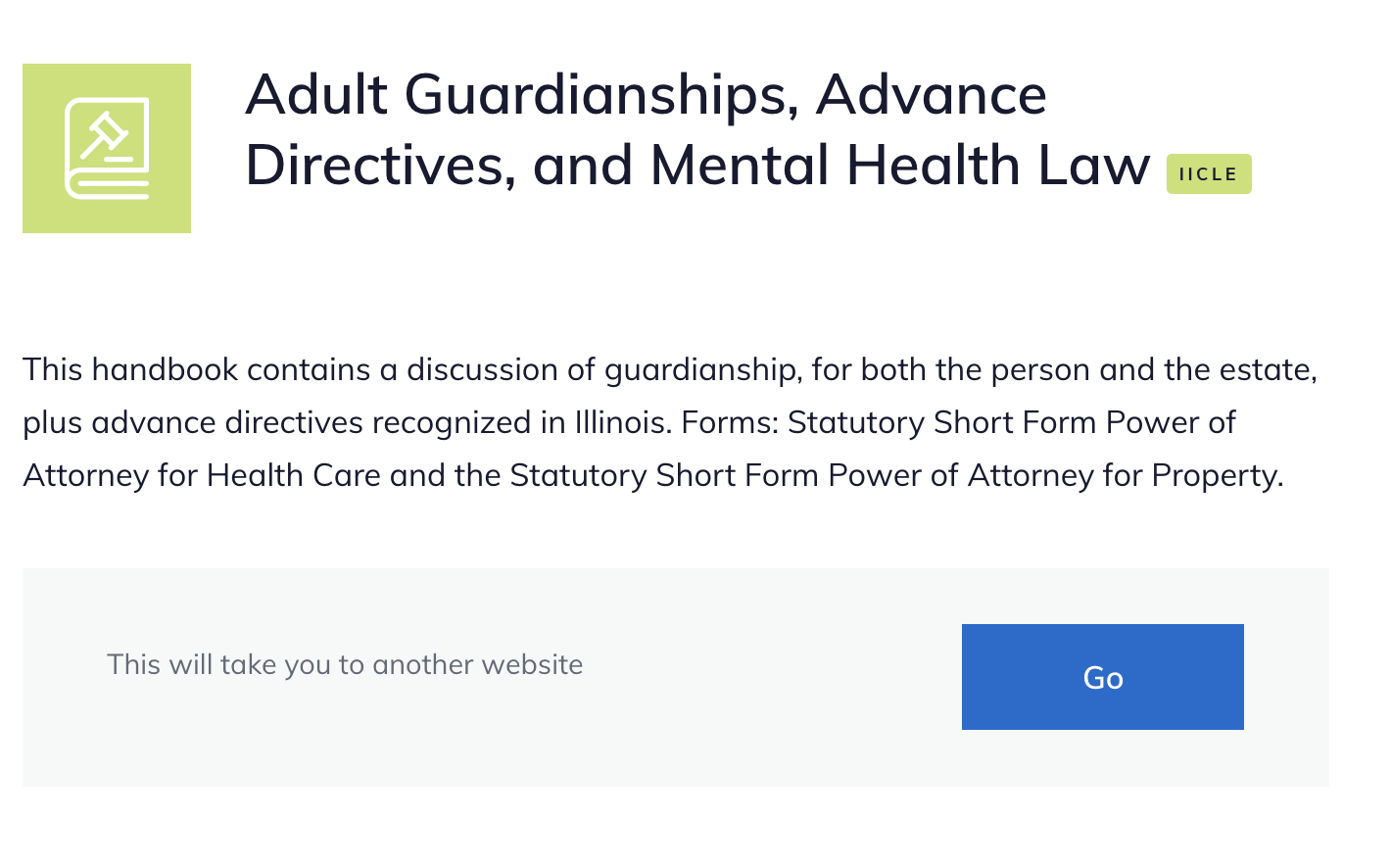
When the individual clicks “Go,” this will fetch the IICLE content over the proxy server. The url then changes to reference the proxy: https://www.illinoislegalaid.org/proxy?request=https://www.iicle.com/IicleOnline/Detail/34470 for example.
IICLE pages have the Learn more block. They are never included in Guides and so do not have Take action blocks.