Adding and managing citations
Citations to legal sources can be added to legal content through a shared taxonomy `<https://www.illinoislegalaid.org/admin/structure/taxonomy/manage/citations/overview>"Citations."`_
Adding a citation to the taxonomy
To add a new citation to the citations taxonomy, go to the taxonomy and click Add term.
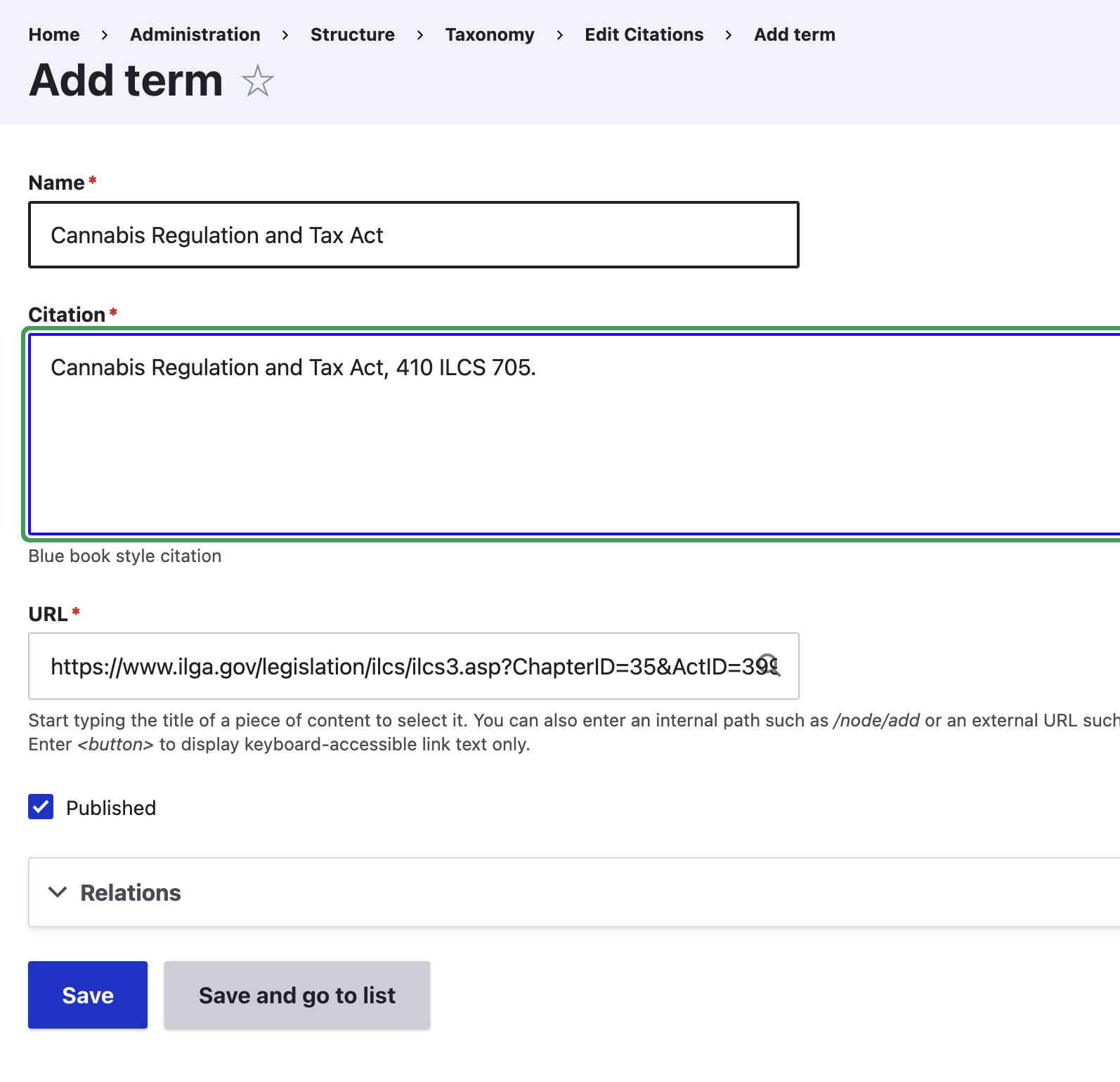
On the add form:
Give the citation a name; this should be the name of the legislation or case. This will be what appears in the autocomplete look up.
Provide the citation, in full blue book format. This will display to website visitors.
Provide the url to the citation
Referencing a citation in legal content
On legal content, beneath the jurisdiction field is a citations field. Use the autocomplete to find the relevant citation (there is also a link to add if it is not listed). Select it and save the content.

Viewing the citation in legal content
When legal content has one or more citations listed, the “Supporting law” block displays.