Working with CKeditor5
The full editor is used for legal content and basic pages. This is typically limited to staff, interns, and subject matter experts.
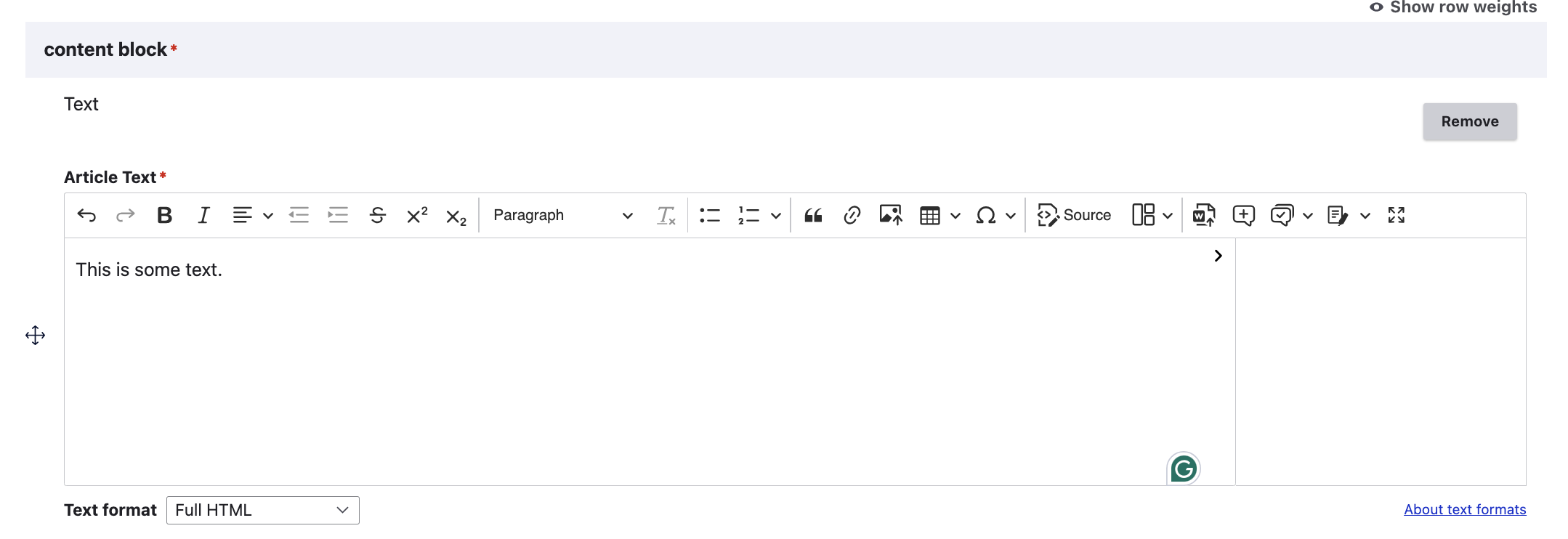
From left to right, the editor supports: * Undo, redo, bold, italics, text alignment, indent, outdent, strikethrough, superscript, and subscript * Styles (Spanish) * Format (paragraph, heading 3 - 6) [Headings 1 and 2 are reserved for interface elements] * Remove format * Bulleted lists * Ordered lists * Block quotes * Insert Link * Upload image * Table * Insert special characters * View and edit source
Specific features
Spanish style
Marking text with the Spanish style will cause it to:
Not appear on the English website
Not be translated in the Spanish website
Appear with a light blue background in the WYSIWYG
Insert link
When inserting a link, if you start to type a content title, it will automatically pull up content that matches. When selected, it will insert the /node/[nid] version which works across languages.
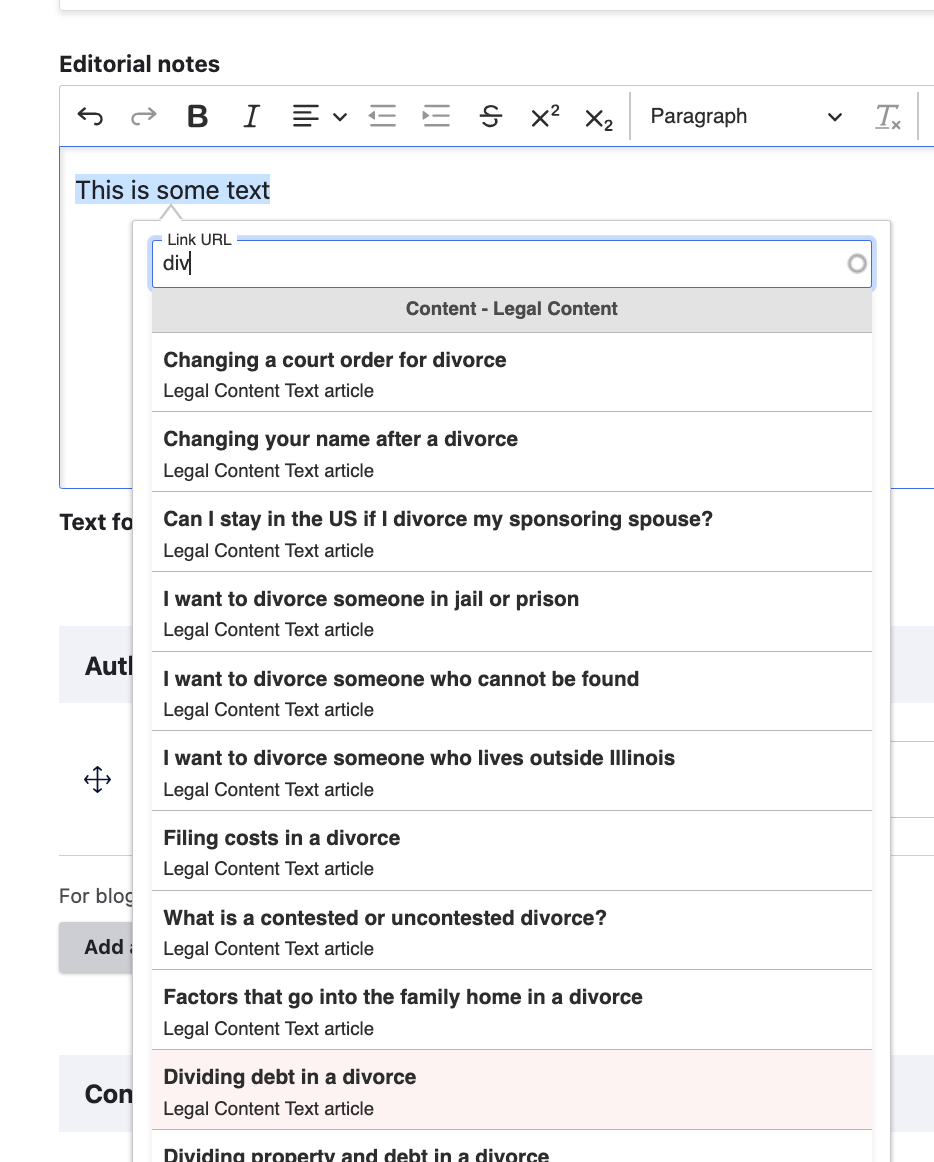
Press the green checkmark to insert. Use the red X to remove the link.
Insert image
Images can be uploaded into content. Decorative images should almost never be added within a WYSIWYG field. All images uplodaed into a WYSIWYG should have appropriate text alternatives that describe the image.