Triage Rules Content
Triage rules have two parts:
Triage rule node (this is the content that a webform is attached to). The triage rule node
An associated webform
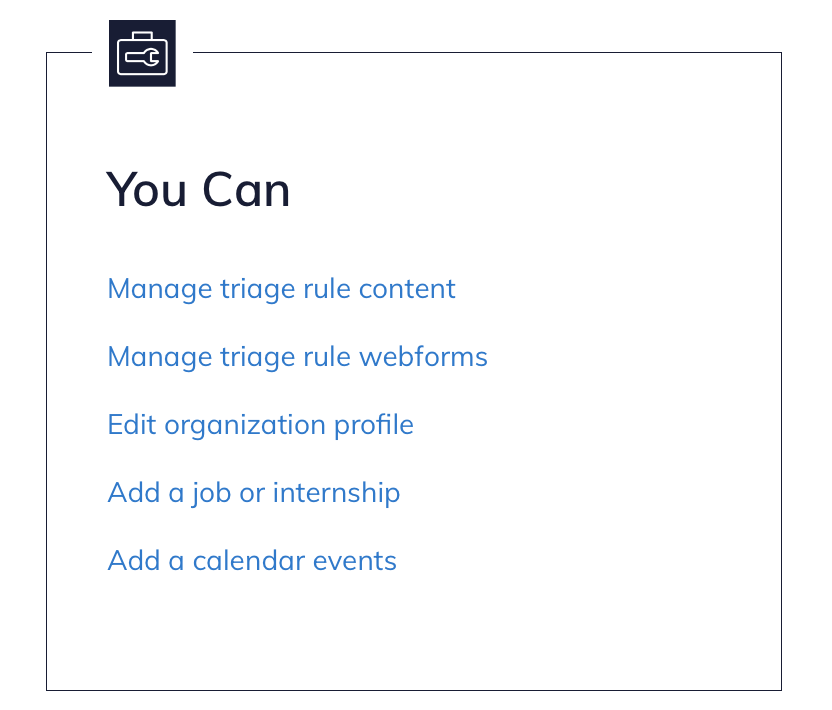
Organization Managers can access these two lists of pages from their dashboard:
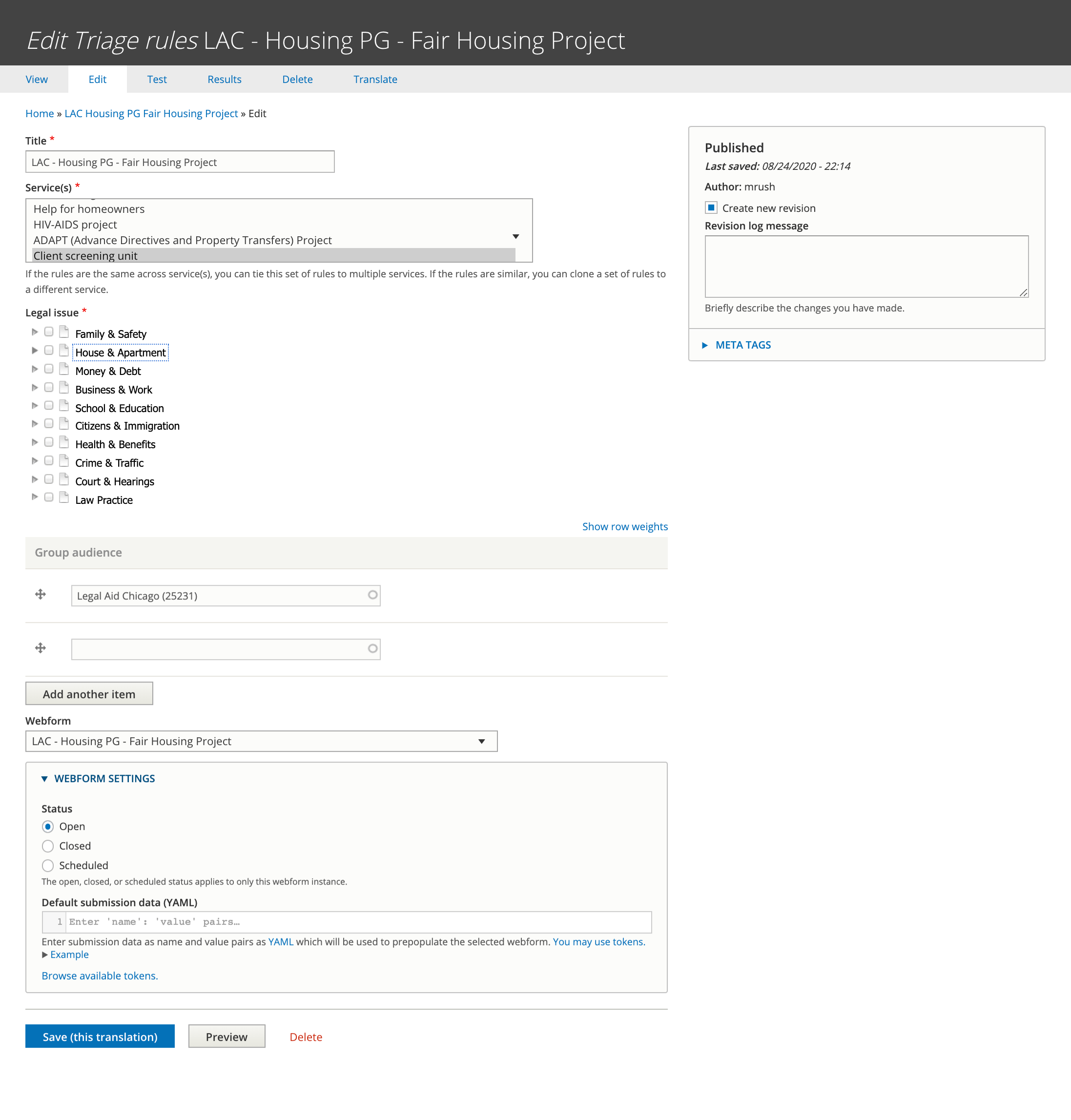
The triage rule content type is where you can set:
Title for the triage rule content
The service(s) the triage rules apply to
The legal issues the triage rules apply to.
The webform to associate with the triage rules. This must be added AFTER the webform triage rules has been created. This should always be set to open.
The group audience should be the organization.
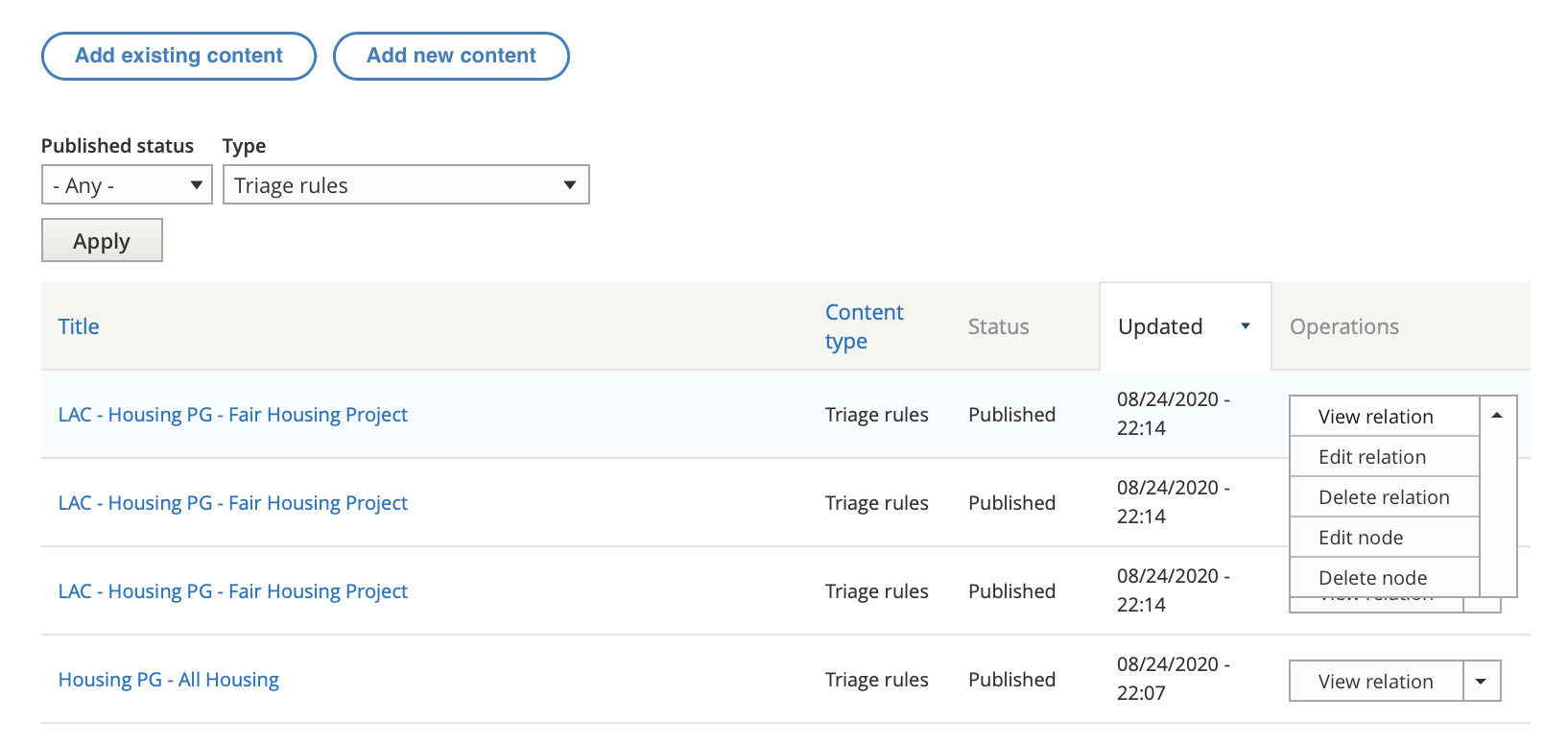
To edit your triage rule content:
Pick edit node from the drop down. The settings for “relation” attach the content (node) to the organization.
Update the edit form
Press “Save (this translation)”
Note
Use caution when selecting legal issues for a service. If multiple triage rules exist for the same service, the system will randomly pick which one to use.