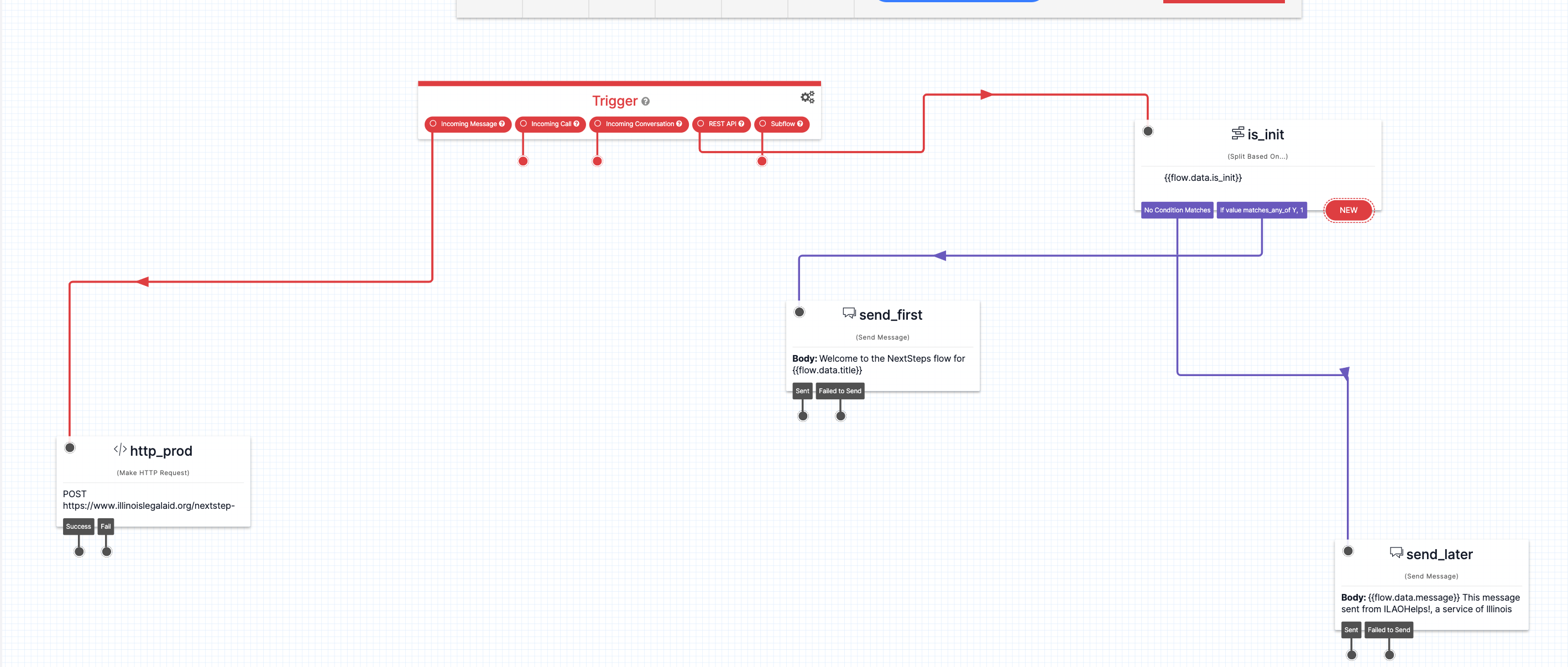
NextSteps Flows Delivery System
Tracking & Logging
When a user is subscribed to a NextSteps flow, a record is created in the website database that stores:
the user ID of the subscriber, if known
if the user was subscribed from LegalServer, the unique global identifier provided by LegalServer
if the user was an OTIS applicant, their triage user ID
the date they were subscribed
the source of their subscription. For OTIS partners, this is the ID in their unique iFrame.
mobile phone number
notification type, set to SMS
whether the subscriber is tied to an OTIS application
the user’s zip code
the language subscirbed to
the node ID of the Next Step flow
the initial step ID the person is subscribed to.
Once subscribed, the website will automatically push out the initial message to the step the individual is subscribed to.
With each message sent, the website database will be updated to create a record that tracks:
When the message was sent
Which message was sent
Who it was sent to
Any reply received
The next scheduled step, if applicable
the next scheduled step due date
updates the resent count
See NextStep Flows Technical Specificiation for the technical specification.
Note
This logging allows us to integrate NextSteps data with the OTIS dashboard, catch errors and time outs, and evaluate the use of NextSteps flows.
SMS Delivery
The NextSteps Twilio flow manages SMS delivery. When a request from the website is received, it sends the message out. When a reply is received, it sends the reply back to the website to process. This usually results in sending out another message from the website.