UserWay Accessibility Widget
On all of the website pages (front and back end), we have the UserWay accessibility widget installed.
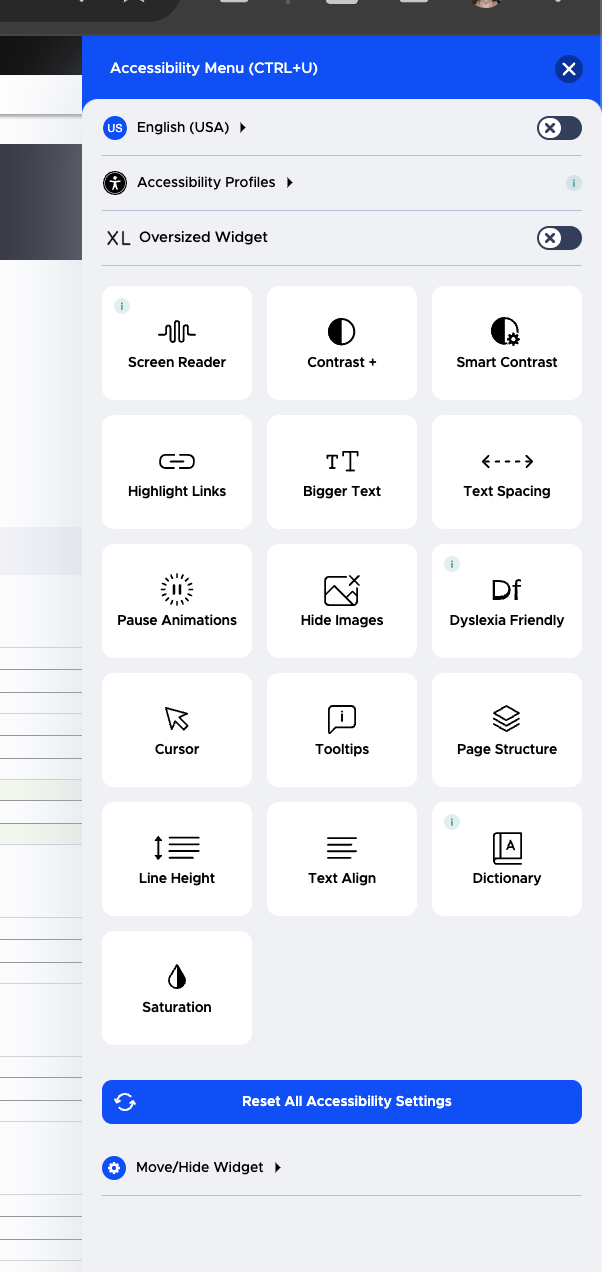
With this widget, anyone can:
Change language to see the widget interface in most languages
Select an accessibility profile to use by default when accessing our website. Supported profiles include:
Motor-impaired
Color blind
Blind
Dyslexia
Visually-impaired
Cognitive and Learning
Seizure and epileptic
ADHD
Set custom controls. Instead of using a pre-defined profile, anyone can set their own settings. Settings include:
Screen reader
Contrast (invert colors, dark, or light contrast)
Smart contrast (good for outdoor/bright/low light situations)
Highlighting of links
Increase or decrease spacing between text
Adjust line height
Play or pause animations
Show or hide images
Use a dyslexia friendly font
Increase the size of the cursor, use a reading guide or mask
Show tooltips
Show page structure
Change text alignment
Use a dictionary
Change the color saturation